Transparent Animated MOV Loop Video Maker for Live Events
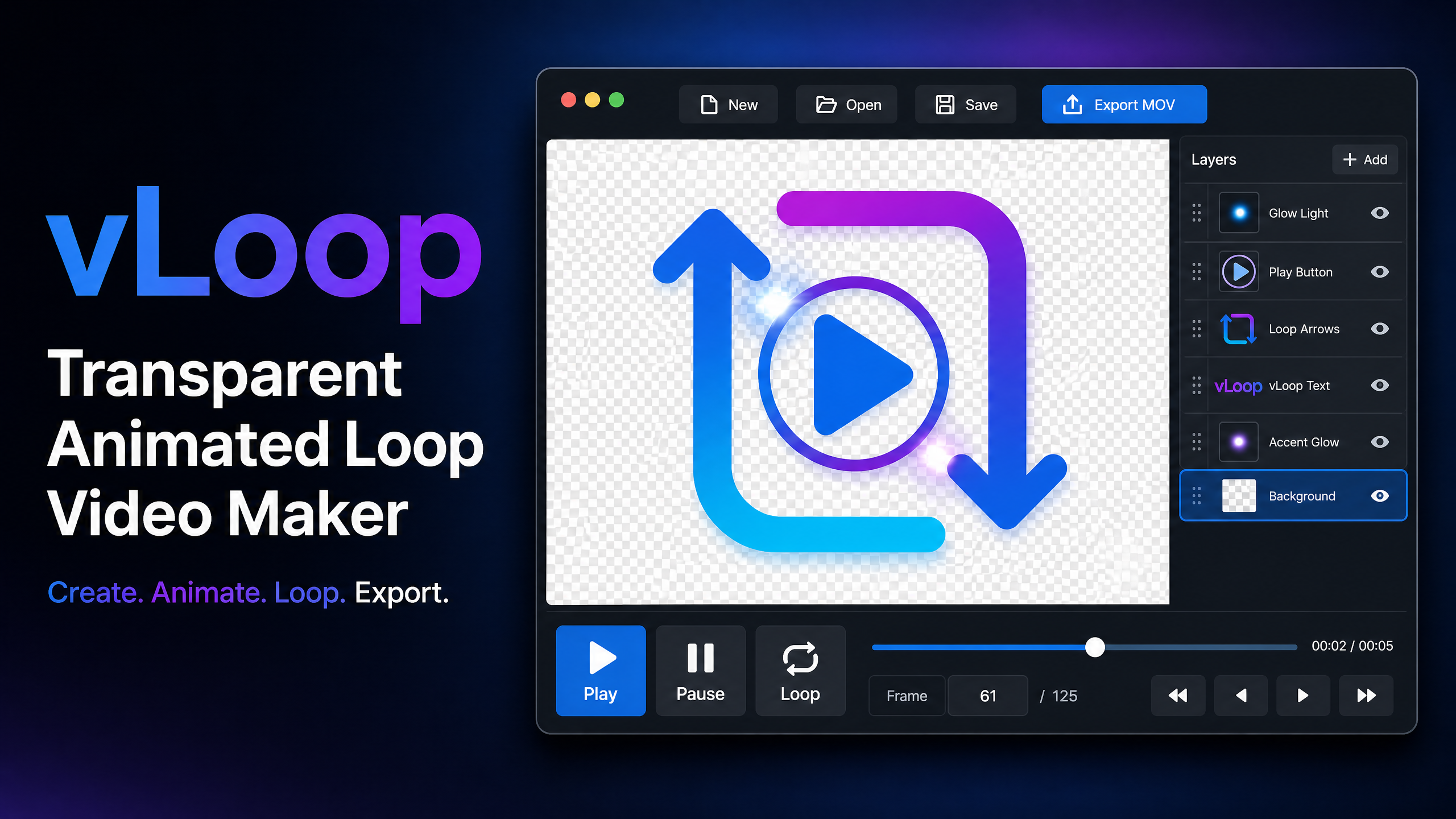
Create professional animated logo overlays for live production. Add your images, choose an animation, preview the loop and export a high-quality transparent MOV video.
No complicated video editing timeline. No manual loop calculation.
How to Create a Transparent Animated MOV
Create a live-ready animated loop in four simple steps.
Start a Project
Choose a ready preset or set your own size, FPS and duration.
Add Images
Add your logo, photographs or graphics as layers and arrange them easily.
Animate & Preview
Apply a ready animation, adjust size, position and repeat, then preview the loop.
Export Transparent MOV
Export your finished animated logo as a high-quality transparent MOV video.
Made for Live Production
vLoop is focused on one job: creating professional transparent animated loop videos for live events and broadcasting.
Transparent MOV Output
Create animated MOV videos with a transparent background for live overlays.
Ready Animation Presets
Apply ready-made animations to layers without building a complicated timeline.
Loop Preview
Play, pause, seek and preview your animation in loop before exporting.
Easy Layer Control
Show, hide, remove, replace and reorder layers with simple controls.
Size & Position
Resize and reposition each image directly in the preview.
Animation Speed
Adjust repeat settings when you want your animation to run faster or slower.
Create a Transparent MOV Animated Loop
Watch the vLoop demo to see how quickly you can create a live-ready transparent animated logo.
One Tool for Many Live Events
Create animated transparent logo overlays for different types of live production.
Satsang & Katha
Bhajan
Wedding / Shadi
Cricket
Football & Sports
School Functions
News Channels
Cable TV
Use Your Transparent MOV in Live Production
Create your animated logo in vLoop, export a transparent MOV and use it as an overlay in your live production workflow.
- Transparent animated MOV video
- Ideal for live logo and event branding
- Simple workflow without a video editing timeline
- Suitable for live streaming and broadcast workflows
Works With
vLoop FAQ
Common questions about creating transparent animated loop videos with vLoop.
What is vLoop?
vLoop is a Windows software designed to create transparent animated MOV loop videos for live production, events and broadcasting.
What output does vLoop create?
vLoop creates animated transparent MOV video output for use as a live overlay.
Can I use vLoop for Satsang, Katha, Bhajan and Wedding events?
Yes. vLoop can be used to create animated event logos and overlays for Satsang, Katha, Bhajan, Wedding and many other live events.
Can I use the MOV in GoLive, SpotLive, STREMAX, vMix and OBS Studio?
Yes. The transparent MOV can be used in supported live production and streaming workflows, including GoLive, SpotLive, STREMAX, vMix and OBS Studio.
Do I need video editing software to create the loop?
No. vLoop is focused on making animated loop overlays without a traditional video editing timeline or manual loop calculation.
Create Your Transparent Animated MOV Today
Create your animated event logo with vLoop and give your live production a professional identity.
Contact Us for vLoopReady to Try vLoop?
Contact us for vLoop product details, licensing and purchase information.
Macroimagine Technologies
Software solutions for photo, video and live production.
vLoop Live Event Solutions
Perfect for Satsang, Katha, Bhajan, Wedding, Cricket, Football, School Functions, News, Cable TV and live streaming.
Email Sales